
Take applicants from viewing to move-in
Give applicants a branded place to find available units, book a viewing and apply. Your team can track applications, request changes and manage onboarding from one pipeline.
- Free for one property
- No credit card
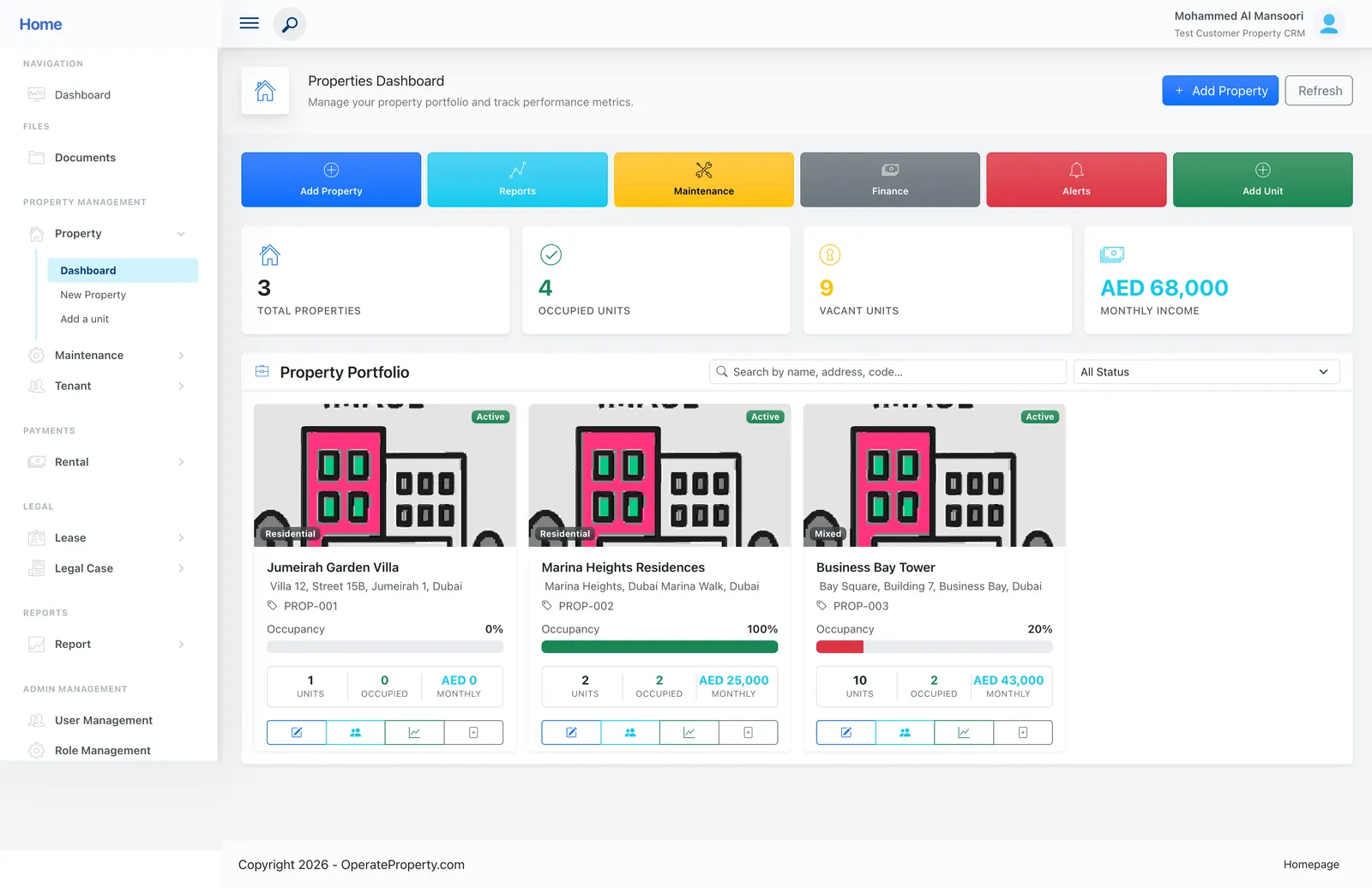
Sound familiar?
- Vacancies and viewings managed in separate spreadsheets
- Applications scattered across email threads
- Returning applicants entered as duplicate tenants
How OperateProperty handles it
Branded listings for available units
Publish units accepting applications and let interested renters book property viewings.
Controlled application invites
Share invitation links with expiry dates and use limits. Applicants can upload documents with their application.
Status updates and messages
Applicants can check progress with an email one-time code and message your team.
A staff pipeline for onboarding
Keep notes and checklists, request changes, and link returning applicants to their existing tenant record.
“Before OperateProperty, we managed 35 rental units using Excel spreadsheets and WhatsApp. Now tracking rent payments and checking lease details takes just 5 minutes instead of 30 minutes.”
Ahmed, Property Manager
Listings & applications: common questions
Still unsure? Talk to a person — we reply the same day.
Can applicants check their status online?
Yes. They can request a one-time code by email to check their status and message the team.
Can I limit who uses an application link?
Yes. Invitation links can have an expiration date and a maximum number of uses.
Run next month’s rent on OperateProperty
Set up your portal in just a few minutes. Start with one property for free, or move your records faster with batch import/export on Business and Enterprise.
- No credit card for Starter
- Export your data any time
- Cancel whenever you like